

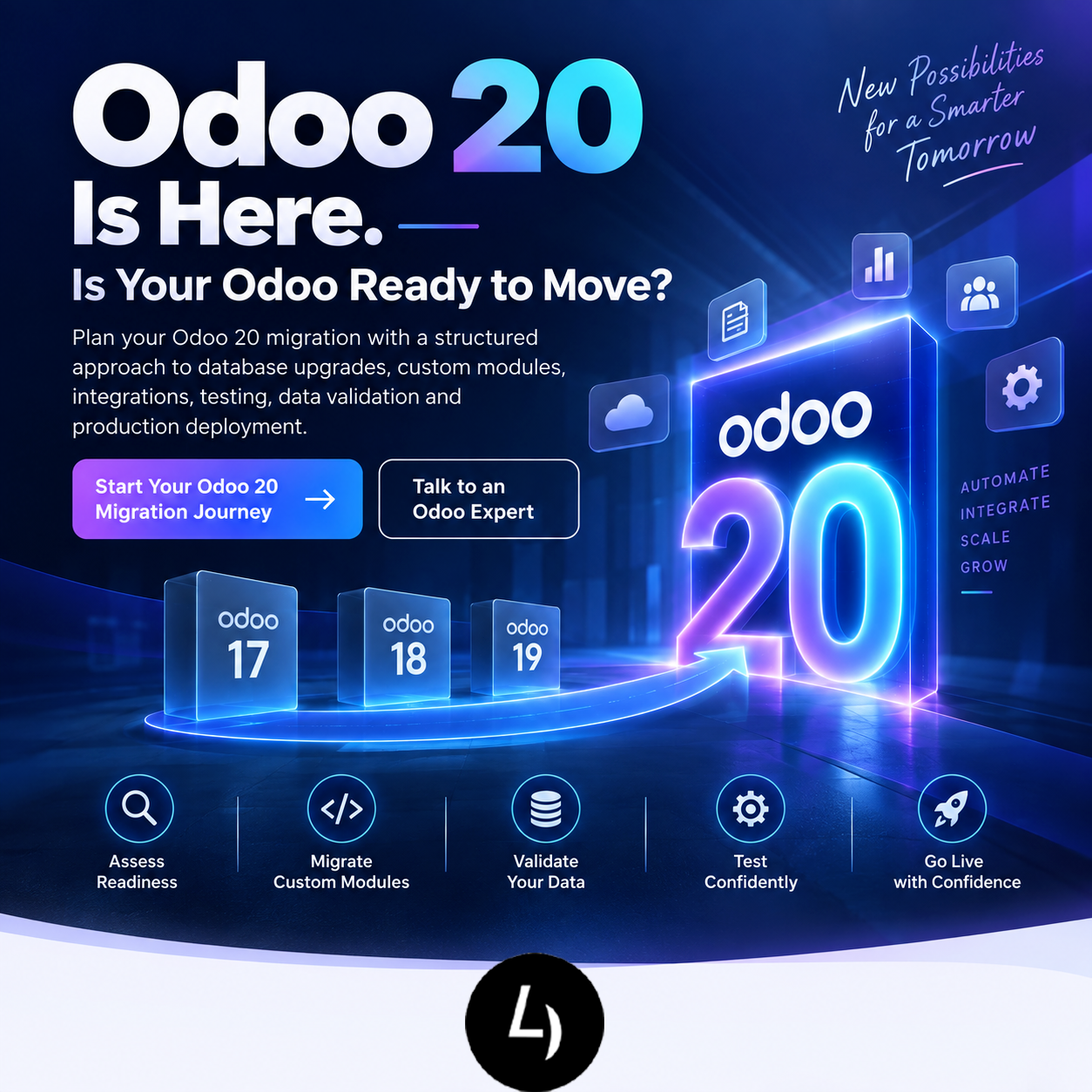
Odoo 20 Migration: Complete Upgrade Guide for Businesses
Odoo 20 is at the centre of attention across the Odoo ecosystem. With Odoo Experience 2026 unveiling the new version on 24 September 2026, businesses running older Odoo versions are beginning to ask a practical question: what does moving to Odoo 20 actually involve?
For many companies, an Odoo upgrade is not simply a matter of installing a newer version. The real work can involve the database, custom modules, third-party apps, integrations, reports, workflows, automated actions, user permissions and business-specific developments.
This guide explains how to approach an Odoo 20 migration, what to review before starting, how testing should work, and how businesses can reduce disruption during the transition.
What Is Odoo 20 Migration?
Odoo 20 migration is the process of moving an existing Odoo database and its associated business configuration from an earlier supported version to Odoo 20.
The scope depends on your current version, hosting model, customizations and integrations. A standard database upgrade and a heavily customized Odoo deployment should not be treated as the same project.
A migration assessment should therefore answer four questions:
• Which Odoo version are you currently running?
• Which custom modules and third-party apps are installed?
• Which external systems are integrated with Odoo?
• Which business processes must be validated before go-live?
The earlier these questions are answered, the easier it is to build a realistic migration plan.
Should You Upgrade to Odoo 20 Immediately?
The answer depends on the business and technical condition of your current Odoo environment.
Odoo releases a new major version each year, and its documentation recommends staying on supported versions. Odoo also notes that a smaller version gap generally makes an upgrade easier.
For a business with a lightly customized database, the migration may be relatively straightforward. For a company with extensive custom development, complex accounting logic, manufacturing workflows, marketplace integrations or legacy modules, more preparation may be required.
The right approach is to assess first, test second and deploy third — rather than upgrading production simply because a new version has been released.
Why Odoo 20 Migration Can Be Complex
The database is only one part of an Odoo environment. The migration may also affect the code and configuration surrounding it.
- Custom modules
Custom modules must be reviewed for compatibility with the target version. Odoo’s upgrade documentation specifically warns that a database containing custom modules cannot be upgraded until compatible versions of those modules are available. - Third-party apps
Apps installed from the Odoo Apps ecosystem or other vendors need compatibility checks. If an application is unavailable for the target version, you may need to replace, redesign or temporarily remove it. - Integrations
Payment gateways, shipping providers, eCommerce platforms, marketplaces, payroll systems, CRM tools, BI platforms and other integrations should be tested independently. - Automated workflows
Scheduled actions, server actions, email templates, approval flows and custom automation can behave differently after an upgrade. - Reports and accounting
Financial reports, tax configurations, journals, invoices, reconciliation and localization-related processes should receive dedicated validation. - Manufacturing and inventory
Companies using MRP, multi-level BoMs, routes, replenishment, quality processes, lots and serial numbers should test end-to-end operational scenarios rather than checking screens individually.
Odoo 20 Migration Checklist
Before Migration
Identify the current Odoo version
Document the hosting environment: Odoo Online, Odoo.sh, or on-premise
Inventory all installed modules and apps
Identify custom modules
List all external integrations
Review automated actions and scheduled jobs
Document critical business workflows
Identify regulatory and localization requirements
Take and verify a production backup
Define test cases and acceptance criteria
During Migration
Request or create a test upgrade
Upgrade custom modules in parallel
Review migration logs and errors
Validate database integrity
Test integrations
Test critical workflows
Compare key reports and business data
Test user permissions and access rules
Record defects and retest fixes
Before Production Go-Live
Complete user acceptance testing
Freeze high-risk changes
Confirm backup and rollback procedures
Schedule the deployment window
Communicate downtime or operational changes
Complete the final production upgrade
Perform post-go-live validation
How the Odoo 20 Migration Process Works
A structured migration typically follows six stages.
Stage 1 — Discovery and assessment
Review the current environment, database size, installed modules, customizations, integrations and critical workflows.
Stage 2 — Compatibility analysis
Map custom and third-party modules against Odoo 20 requirements. Identify components that need code changes, replacement or redesign.
Stage 3 — Test migration
Perform a test upgrade using a copy of the database. Odoo provides an official upgrade platform and supports test upgrades before production.
Stage 4 — Customization and integration updates
Adapt custom modules and integrations, resolve migration errors and repeat the test cycle.
Stage 5 — User acceptance testing
Business users validate sales, purchase, accounting, inventory, manufacturing, HR, CRM, website, eCommerce and other relevant workflows.
Stage 6 — Production migration and stabilization
Execute the approved production migration, validate critical processes and monitor the system closely after go-live.
Odoo Online, Odoo.sh and On-Premise: Does the Process Differ?
Yes. The upgrade workflow depends partly on the hosting model.
Odoo’s official upgrade platform provides procedures for different hosting scenarios. Odoo.sh also provides an upgrade workflow where a staging branch can be used for testing before production.
For on-premise environments, the technical team must additionally consider the Odoo source version, Python version, PostgreSQL version, operating system, dependencies, custom addons and deployment configuration.
Odoo 20’s official on-premise documentation specifies Python 3.12 or later and PostgreSQL 16 or later for source installation. These requirements should be included in infrastructure planning where applicable.
What Happens to Custom Odoo Modules?
This is one of the most important questions in an Odoo 20 migration.
A custom module should be reviewed for:
- Python code compatibility
- ORM changes
- XML views and inherited views
- Security rules and access rights
- Scheduled actions
- JavaScript and web framework changes
- Report templates
- Data migration scripts
- External API calls
- Dependencies on other modules
Do not assume that a custom module that worked in Odoo 19 will work unchanged in Odoo 20. Each important module should be tested against the target version.
How to Reduce Odoo 20 Migration Risk
The strongest risk-reduction strategy is preparation.
Start with a complete application inventory. Separate standard Odoo functionality from custom code. Identify business-critical workflows. Create a test database. Define acceptance criteria before the migration starts.
Most importantly, test business outcomes — not just whether the application opens.
For example, a manufacturing company should test the complete cycle from sales order to procurement, manufacturing order, stock movement, quality checks, delivery and invoicing. A service business may need to validate CRM, quotations, project delivery, timesheets, invoicing and payment flows.
A successful migration is not simply a technically upgraded database. It is a business system that continues to support the company’s actual operations.
Why Work With an Odoo Migration Partner?
An experienced Odoo migration team can help reduce the technical and operational workload by combining database, development, functional and testing expertise.
For businesses with customizations, the value is particularly important because migration can involve both code and business-process validation.
At 4devnet, the migration approach can be positioned around:
• Odoo version assessment
• Custom module compatibility review
• Database migration planning
• Custom development updates
• Third-party app assessment
• API and integration testing
• Functional testing
• Data validation
• User acceptance testing
• Production deployment support
• Post-migration support
The key message should be simple: migrate with a plan, not with assumptions.
Odoo 20 Migration: Frequently Asked Questions
Is Odoo 20 migration mandatory?
Not necessarily immediately. Odoo’s upgrade requirements depend on version, hosting model and support status. Businesses should check their current version and official upgrade guidance.
Can I migrate directly from an older Odoo version to Odoo 20?
The exact upgrade path depends on the source version and Odoo’s supported upgrade process. A migration assessment should be completed before selecting the path.
Will my custom modules work on Odoo 20?
They need to be checked and, where necessary, updated for the target version.
Will my Odoo data be lost?
A properly planned upgrade is designed to preserve the database, but backups, test upgrades and data validation are essential.
How long does an Odoo 20 migration take?
There is no universal timeline. Database size, customizations, integrations, module count and testing requirements can significantly affect the project duration.
Should I upgrade now or wait?
Evaluate your current version, support requirements, business priorities and customization footprint. A readiness assessment provides a better basis for the decision than the release announcement alone.
Can 4devnet help with Odoo 20 migration?
Yes. 4devnet can position an Odoo 20 migration assessment around database, customization, integration and business-process readiness, followed by testing and production deployment support.
Conclusion: Prepare Today for Your Odoo 20 Upgrade
Odoo 20 creates a timely opportunity for businesses to review their ERP environment — but the release itself should not be treated as the migration plan.
The businesses that approach the transition methodically will have a clearer view of their customizations, integrations, data and operational dependencies before production is affected.
If your company is running Odoo 16, Odoo 17, Odoo 18, Odoo 19 or another supported release, now is a good time to perform an Odoo 20 migration readiness assessment.
Review your current environment. Identify what needs to change. Test before production. Then move when your business is ready.
Ready to assess your Odoo environment for Odoo 20?
Talk to 4devnet about your Odoo 20 migration requirements.